Articles / Reviewsupdated for DaVinci Resolve 21.0.2 (July 2026); CutAgent as published July 2026
CutAgent AI Review: Does It Actually Work in DaVinci Resolve?
Quick answer
CutAgent is a macOS app that edits your DaVinci Resolve timeline from plain-language instructions, starting at 29 euros a month. It works with Resolve Free and Studio 20+, shows a review step before changes land, and has no independent reviews yet. It fits editors who already know Resolve and want rough cuts faster, not beginners.
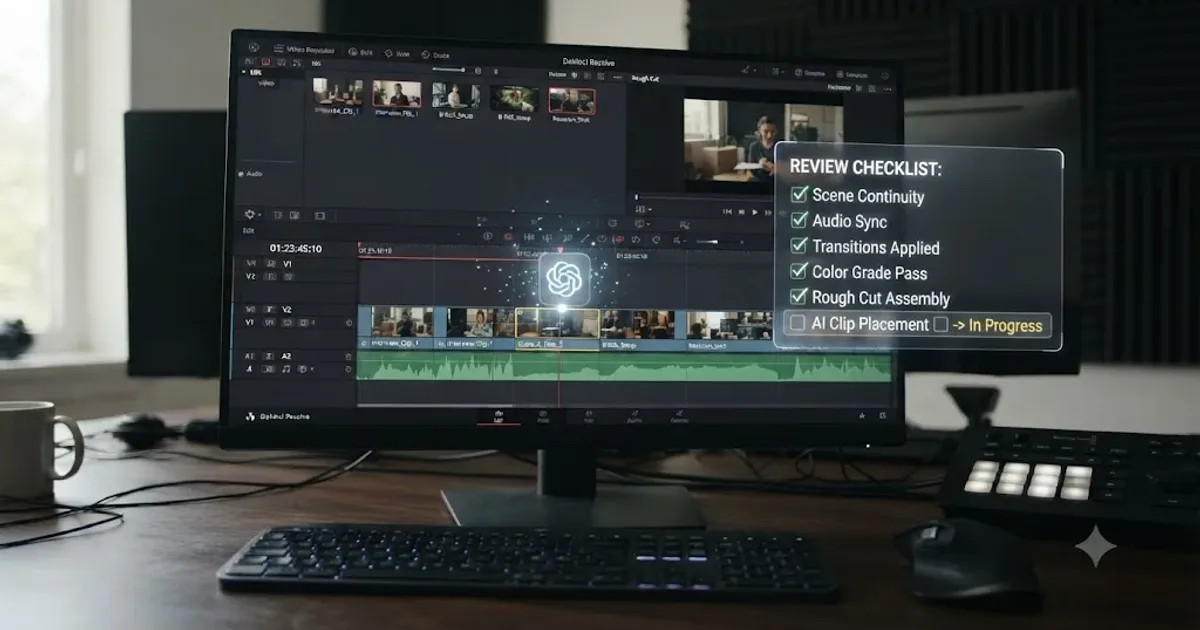
I went looking for an independent review of CutAgent, the AI tool that promises to edit your DaVinci Resolve timeline from plain-language instructions. I didn't find one. Every result was CutAgent's own site or a generic "best AI tools" roundup that lists it next to a dozen other names nobody's actually tested. So this is that missing review, built entirely from CutAgent's own published claims, cross-checked against what its closest competitors say about themselves, and read the way I'd want a skeptical colleague to read it before I sent client footage anywhere near it.
Here's the short version if you're deciding whether to keep reading. CutAgent is real, it's macOS-only, it works with both the free and paid versions of DaVinci Resolve, and it costs between 29 and 299 euros a month depending on how much you use it. Whether that's worth paying for depends entirely on how much you already know about Resolve, because an AI agent that edits your timeline is only as safe as your ability to catch it when it's wrong.
What is CutAgent, exactly?
CutAgent is a paid macOS desktop app that connects to DaVinci Resolve and turns natural-language instructions into timeline operations. You don't describe a shot list in a separate program and export it. You type or paste an instruction directly, something like "cut this interview down to the strongest two minutes" or "pull every take where she says the tagline clean," and CutAgent reads your active timeline, your selected clips, your transcripts, and your markers, then proposes and executes edits inside the same project you already have open.
That's a genuinely different category of tool from most of what gets called "AI editing" in 2026. A lot of AI features inside NLEs today are single-purpose: auto-caption this, remove this background noise, reframe this shot for vertical. CutAgent's pitch is broader. It's an agent, not a filter, meaning it's built to chain together multiple Resolve operations toward a goal you described in a sentence, not to run one transformation on one clip.
Per CutAgent's own site, the tool "coordinates editing operations from the desktop to accelerate workflow" and works across "editing, color grading, multicam, Fairlight, and Fusion," not just the Edit page. It ships as a native desktop app with what CutAgent calls a "local desktop bridge" connecting the Mac app to Resolve, distinct from browser-based automation tools that have to simulate mouse clicks through a screen.
One naming note worth clearing up before anything else, because it trips people up in search results: CutAgent is not affiliated with, and has nothing to do with, DaVinci Resolve's built-in Cut page. Resolve's Cut page is Blackmagic's own stripped-down, fast-turnaround editing interface, covered in more depth in our Cut page vs Edit page comparison. CutAgent is a third-party subscription app that happens to share a word with a Blackmagic feature. Don't confuse the two when you're searching for either one.
How does a CutAgent session actually work, from prompt to timeline?
Here's the mechanical flow, reconstructed from CutAgent's own feature descriptions, since no independent hands-on account exists yet to compare against.
- You open DaVinci Resolve with a project loaded, and you open the CutAgent desktop app alongside it, connected through its local bridge.
- You describe what you want in plain language, either a specific instruction ("remove the silences longer than 1.5 seconds from this interview track") or a broader goal ("build a rough cut from these selects that hits the three main talking points").
- CutAgent reads the active timeline, the selected clips, any transcripts already generated, existing markers, and results from tools you've already run. It builds what CutAgent calls an "edit plan," not an immediate change.
- That plan gets translated into "controlled DaVinci Resolve operations," per CutAgent's own description, meaning specific timeline actions rather than a vague AI-generated video file handed back to you.
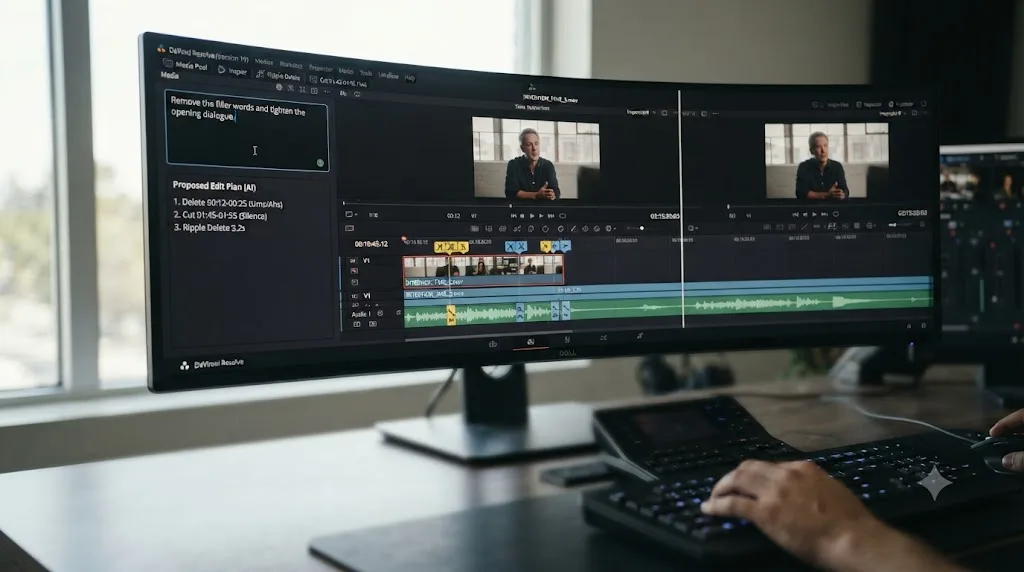
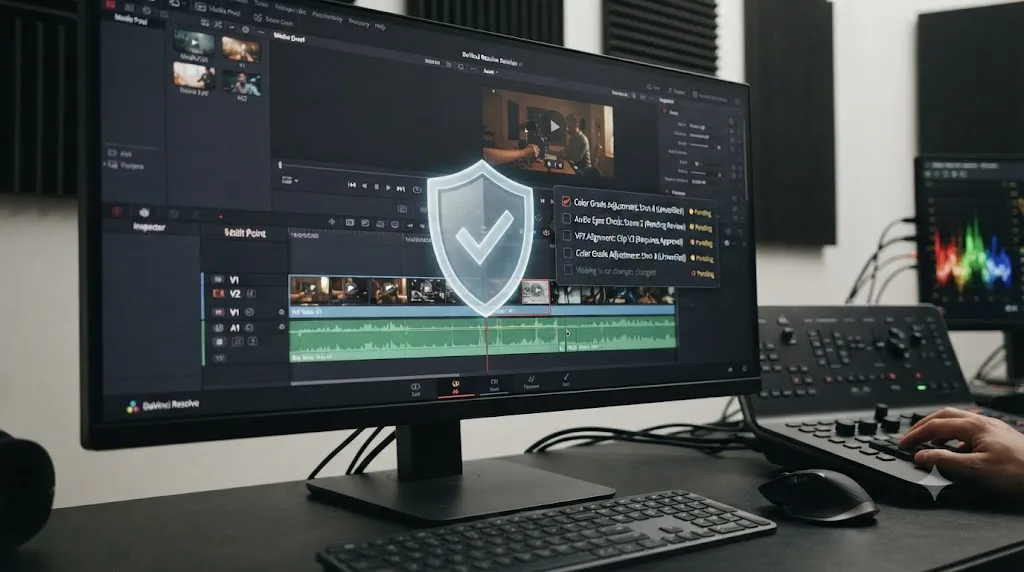
- Before anything lands, CutAgent shows what it calls verifier and review summaries. Per CutAgent's own materials, this step is meant to let editors "understand what changed before export," with review markers flagging which decisions need a human's approval.
- You review, accept or reject specific changes, and only then does the timeline reflect the edit.
- For repeat tasks, CutAgent lets you save "custom skills," reusable instructions you can fire again on future projects without re-describing the same workflow from scratch.
That review step is the single most important design decision in the whole product, and it's worth dwelling on. An AI tool that silently rewrites your timeline is a liability. An AI tool that proposes a rewrite and waits for your sign-off is a different, more defensible thing, provided the review step actually surfaces enough detail for you to catch a bad decision, and provided you actually read it instead of clicking approve out of habit. CutAgent's own site doesn't publish a worked example of what that review screen looks like in practice, so treat the design intent as real and disclosed, and treat the execution quality as unverified until an independent reviewer gets hands-on time with it.
What does CutAgent cost, and what does "usage" actually buy you?
Four tiers, priced in euros, not dollars, which is itself a small tell about where the company is likely based.
| Plan | Price | What you get |
|---|---|---|
| Hobby | 29 euros/month | Access to CutAgent Fast and CutAgent Pro models, standard speech-to-text transcription, described by CutAgent as "best for occasional edits and light workflows" |
| Creator | 99 euros/month | Everything in Hobby, 5x more monthly usage, high-quality speech-to-text transcription, CutAgent's own recommended tier, "best for creators editing every week" |
| Studio | 299 euros/month | Everything in Creator, 20x more monthly usage, priority support, "best for professional editors with demanding workflows" |
| Enterprise | Custom | Custom usage limits, dedicated onboarding, done-for-you custom skills and automations, aimed at teams |
That's a wide range, and the honest gap in CutAgent's own materials is that "usage" is never defined in concrete units anywhere on the pricing page. It's not stated in minutes of footage, number of projects, number of AI operations, or anything else you could budget against before you subscribe. You're told Creator gets "5x more monthly usage" than Hobby and Studio gets "20x more" again, but 5x and 20x of an undefined unit tells you the shape of the scaling curve without telling you where the actual ceiling sits for your specific workload. Contact CutAgent directly before committing to a tier if your editing volume is unpredictable, since the published page won't let you do that math yourself.
CutAgent's own pricing page never once defines what a unit of "usage" actually is. That's the kind of vagueness that's fine for a company still iterating on its metering, and genuinely risky for a freelancer trying to budget a subscription against a client's monthly retainer before the invoice arrives.
There's also no published free trial or free tier anywhere on CutAgent's site as of this writing. That's a real barrier to entry for a category this new: you're being asked to commit at least 29 euros a month, sight unseen by any independent reviewer, before you've been able to test whether the tool's edit plans match how you'd actually cut. Compare that to Sottocut, a direct competitor covered later in this piece, which publishes a 7-day free trial with no card required, a meaningfully lower-risk way to test the same category of product.
Set against DaVinci Resolve's own economics, the pricing lands in an odd spot. Resolve Studio itself, the full paid version of the NLE, costs $295 once, not monthly. CutAgent's Creator tier alone, at 99 euros a month, would cross that one-time Studio price in roughly three months of subscribing, and CutAgent runs on top of Resolve, not instead of it. You're not choosing between CutAgent and Studio. You're potentially paying for both, and the ongoing subscription is the bigger long-run cost of the two.

Does CutAgent work with the free version of DaVinci Resolve, or only Studio?
Both, according to CutAgent's own FAQ, and this is one of its most genuinely useful claims relative to the rest of the category.
Quoted verbatim from CutAgent's own FAQ: "Yes. CutAgent works with DaVinci Resolve 20 or later, including both DaVinci Resolve Free and DaVinci Resolve Studio, on macOS." That means you don't need to have already spent $295 on the paid version of Resolve before CutAgent will even launch, which is a meaningfully lower barrier than at least one direct rival in this exact space.
CutAgent's free-version support is the one feature that separates it most clearly from the closest thing it has to a direct competitor. Sottocut, a rival AI assistant built specifically for DaVinci Resolve, requires DaVinci Resolve Studio 21 specifically, the paid version only, according to Sottocut's own site. If you're editing on Resolve's free tier and you want an AI agent in this exact product category, CutAgent's compatibility claim, if it holds up under real use, is the difference between a tool you can try today and one that requires a $295 purchase first just to get in the door.
DaVinci Resolve 21 shipped free on June 3, 2026, with a full Photo page, nine AI tools mostly gated to Studio, and a long list of editing and Fairlight updates, all covered in our DaVinci Resolve 21 new features guide if you want the full picture of what Resolve itself added this cycle, separate from anything a third-party tool bolts on top.
One caveat worth naming plainly: "works with the Free version" describes access to the app, not necessarily parity of capability. CutAgent's own materials don't spell out whether every feature, custom skills, Fusion coordination, multicam handling, behaves identically on Free versus Studio, or whether some operations quietly require Studio-only Resolve features under the hood, the same way Studio-only tools like Magic Mask simply don't exist for an AI agent to point at on the free tier. Treat "works with Free" as confirmed access, and treat "works exactly the same on Free" as an open question until someone tests it directly.
Does CutAgent work on Windows?
No, not yet, and CutAgent is upfront about it rather than burying the limitation.
Quoted verbatim from CutAgent's own FAQ: "Not yet. CutAgent is currently focused on macOS so we can deliver the fastest and most reliable experience with DaVinci Resolve. Windows support is already on our roadmap and planned for the future." That's an honest answer, and it's also a real, immediate dealbreaker if you're one of the many DaVinci Resolve editors running Windows, which is a large share of the app's total user base given Resolve's own cross-platform reach.
No committed date, no beta waitlist mentioned, nothing beyond "planned for the future." If you're on Windows and considering CutAgent specifically because of this review, the honest advice is to wait for an actual release announcement rather than budgeting around a roadmap item with no timeline attached. Roadmap promises in software are notoriously unreliable as scheduling tools, and a macOS-first startup prioritizing its primary platform before expanding is normal, not a red flag, but it's still a real gap today, not a hypothetical one.
This macOS-first pattern isn't unique to CutAgent. It's the norm across this entire emerging category. Sottocut requires an Apple Silicon Mac specifically, ruling out even Intel Macs, let alone Windows. TryUncle, covered later in this review as a different kind of tool entirely, is also macOS only. Eddie AI is the exception in this comparison set, running on both Mac and PC. If platform support is your primary filter, that alone might decide which of these tools you can even consider before you weigh anything else in this piece.

Is CutAgent safe to trust with a real client timeline?
This is the question that actually matters more than pricing or platform support, and it deserves a careful answer rather than a marketing-page yes.
The honest framing comes from a completely different corner of the AI world. What Cursor did for coding, these agents will do for video production, is how a16z general partner Justine Moore describes the shift toward AI agents that don't just suggest edits but execute them directly inside your tools, in her piece on agentic video editing. She's blunt about the timing too, quoted verbatim: "2025 was the year of video. 2026 is the year we let agents edit it," from her a16z piece on agentic video editing. CutAgent fits squarely inside the category Moore is describing: an agent that reads context, plans a sequence of actions, and executes them inside a real tool rather than generating a standalone output you have to manually reassemble.
The coding analogy is instructive precisely because coding tools like Cursor learned this lesson the hard way first. Letting an AI agent directly modify a codebase without a review step produces bugs that are hard to trace back to their source. The industry's answer was diffs you review before merging, not blind trust in the agent's output. CutAgent's review-markers-before-export design is the video-editing equivalent of that same lesson, applied to a timeline instead of a git repository. That's a genuinely sound architectural choice, and it's the reason this review isn't dismissing CutAgent as reckless by default.
An AI agent that edits your timeline is a different category of risk than an AI tool that only points at a button, and the two shouldn't be judged by the same bar. A tool that circles a control and lets you click it yourself can be wrong without doing any damage; you just don't click. A tool that executes the change itself can be wrong in a way that's already landed on your timeline by the time you notice, which is exactly why the review step matters so much more here than it would for a passive assistant.
Where the honest skepticism has to sit is in what CutAgent's own materials don't show. There's no published example of a review screen, no third-party account of what happens when the agent's plan is wrong, and no disclosure of which AI model or provider is actually doing the reasoning behind "CutAgent Fast" and "CutAgent Pro." That last point matters for anyone editing under an NDA: if you don't know which model provider is processing your transcripts and clip descriptions, you can't answer a client's confidentiality question with certainty, the same way our TryUncle review had to work through exactly what data leaves the Mac before recommending that tool for client work.
My honest recommendation, stated plainly: don't point CutAgent at a paying client's original media on day one. Duplicate a project, or use a practice timeline built from footage you're allowed to lose, and watch what the agent actually proposes before you trust its review summaries on something billable. That's not a knock specific to CutAgent; it's the same advice any careful editor should apply to any new automation tool that touches a real timeline, AI-powered or not.
What can CutAgent actually see and touch inside DaVinci Resolve?
CutAgent's own site describes reading your "active timeline, selected clips, transcripts, markers, and tool results," and coordinating operations across "editing, color grading, multicam, Fairlight, and Fusion." That's a broad claim of reach across nearly every page in Resolve, not just the Edit page most AI editing tools stick to.
Mechanically, tools like this typically work through DaVinci Resolve's own scripting API, the same interface community developers have used for years to automate repetitive tasks. That API's coverage of Resolve's full feature set sits at roughly 30-40% of everything the app can do, according to one detailed community guide to the scripting interface, which recommends building automation "around the API's proven strengths, delivery, project management, media operations, metadata, and markers, and treat its limitations as fixed constraints rather than temporary gaps." CutAgent's own site doesn't specify whether it uses this scripting API, a different automation method, or some combination, but any tool operating inside Resolve without direct source-code access to the app is almost certainly working within some version of these same documented constraints.
That context matters because it sets a realistic ceiling on what "coordinates operations across Fairlight and Fusion" can actually mean in practice. A tool describing broad multi-page reach is either working within the API's proven strengths, trimming, markers, delivery, metadata, where automation is genuinely reliable, or pushing into territory where the underlying interface is thinner and less battle-tested. CutAgent's own materials don't draw that line for you, which is worth knowing before you assume "works with Fusion" means it can build an original node composite from a text prompt the same way it can trim an interview transcript.
Where CutAgent's claims are most credible is the interview and transcript-driven editing use case, cutting a long interview down using natural-language instructions about content, since that's exactly the kind of clip selection, marker placement, and timeline assembly work that sits inside the API's documented strengths. Where I'd want independent verification before trusting the claim is anything described as touching Fusion's node graph or Fairlight's mixing decisions directly, since those are deeper, less scriptable parts of the app by community consensus, not CutAgent's fault specifically, just a real limit of the platform every third-party tool in this category has to work around.

Is "agentic" AI editing a real trend or just 2026's hype cycle?
Real, by the evidence of who's actually shipping products and showing up to trade shows, though the honest answer is that the category is still young enough that "real" doesn't yet mean "proven at scale."
At NAB 2026, the industry's biggest annual production and post-production trade show, AI editing assistants had enough presence that ProVideo Coalition's Scott Simmons spent time specifically talking to the founders behind three of them: Eddie AI, Quickture, and a tool called Selects. That's a meaningfully different signal than a wave of blog posts; it's founders showing up in person to demo working products to an audience of skeptical professional editors. Irad Eyal, CEO of Quickture, described the actual problem his tool targets in blunt, practical terms, quoted verbatim: "what do you do when you have…100 hours of footage, and you need to find the story in the edit for a 44-minute episode," per ProVideo Coalition's NAB 2026 coverage. That's not a hypothetical use case; it's the exact bottleneck documentary and reality-TV editors describe every day, footage volume outpacing the hours available to log it by hand.
Eyal also named the real adoption barrier honestly, in the same piece, quoted verbatim: "editors won't let you change the color of a menu, let alone require you to learn a whole new system." That's the single biggest risk facing every tool in this review, CutAgent included. Working editors have deep, hard-won muscle memory in their existing tools, and a product that demands they abandon that muscle memory for a new interface faces resistance no feature list can fully overcome. It's part of why CutAgent's design choice, to operate inside your existing DaVinci Resolve project rather than replacing it with a separate app you have to import into and export from, is the more defensible architecture in this category, even if it's unproven at scale.
Scott Simmons, the article's author and a longtime post-production journalist, offered the most balanced framing of what these tools are actually trying to solve, quoted verbatim: "the logging, the searching, and the organizing, is what leads editors to their first love: the story." His point, read in full context, isn't that AI should tell the story. It's that AI tools are trying to reduce the cost of the tedious front-end work so editors reach the creative decisions faster, not so a machine makes those decisions for them.
Separately, No Film School has already run its own hands-on test of a comparable tool, Eddie AI, with author Jourdan Aldredge landing on a cautiously optimistic verdict, quoted verbatim: "If you're someone who is open to trying new AI tools to help your workflows, Eddie could definitely be that," per No Film School's Eddie AI review. That's the closest thing to independent, hands-on evidence that exists anywhere in this exact product category right now, and it applies to a different tool than the one this review is about. No publication, including this one before today, had published independent hands-on testing of CutAgent specifically as of this writing.
No independent reviewer has published hands-on results for CutAgent yet. This is the first outside look at the tool, built from its own public claims, not the hundredth review confirming what everyone already knows. Weigh that honestly against every confident-sounding claim in this piece, including CutAgent's own.
How does CutAgent compare to Eddie AI, Sottocut, and PremiereCopilot?
Here's the honest, side-by-side comparison of the real alternatives, not a table designed to make CutAgent look better or worse than it is.
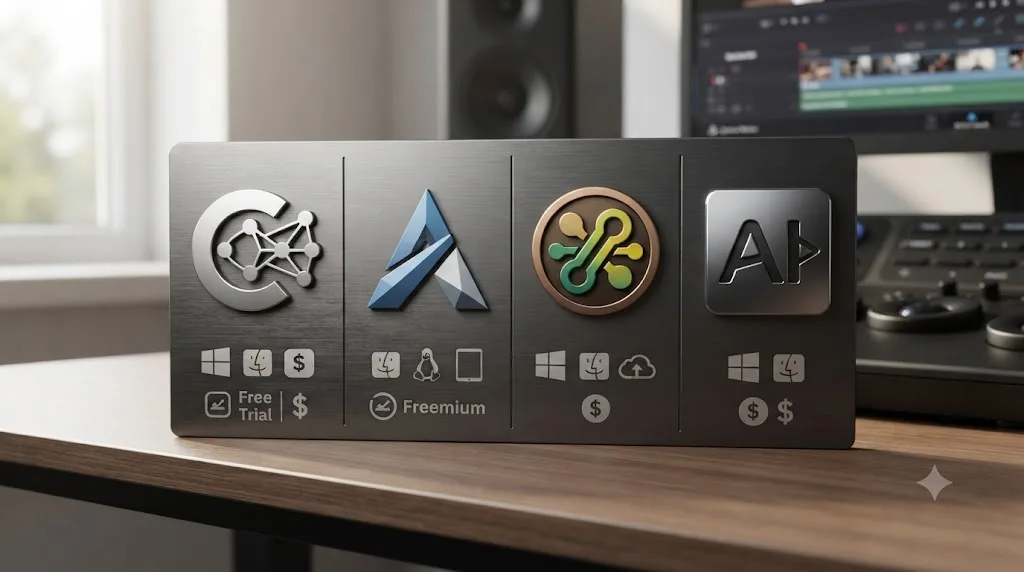
| Tool | Platform | Resolve support | Price | Free tier |
|---|---|---|---|---|
| CutAgent | macOS only, Windows planned | Resolve 20+, both Free and Studio | 29 to 299 euros/month | None published |
| Sottocut | Apple Silicon Mac, macOS 14+ | Resolve Studio 21 only | $15/month bring-your-own-key or $129 lifetime; $29-119/month managed | 7-day trial, no card required |
| Eddie AI | Mac and PC | Bridges to Resolve via an installed extension, also works with Premiere Pro and Final Cut Pro | Free Starter (2 exports/month); Plus at $25/month or $250/year | Yes, genuinely free tier |
| PremiereCopilot | Mac and PC | None. Premiere Pro only; its own blog points Resolve users toward other plugins instead | From $7.99/month | Yes, free tier |
A few things jump out once they're side by side instead of scattered across separate marketing pages.
CutAgent and Sottocut are the two tools built specifically as AI agents for DaVinci Resolve, and they split the market by which version of Resolve they'll accept. CutAgent's willingness to run on the free version is a real accessibility advantage; Sottocut's Studio-21-only requirement, paired with its Apple Silicon requirement, is the narrower gate of the two, but it comes with a lower-risk 7-day trial CutAgent doesn't offer.
Eddie AI plays a genuinely different role: it's not native to Resolve at all, it's a cross-NLE assistant that connects to Resolve through an installed extension bridge, per Eddie AI's own DaVinci Resolve workflow page and CineD's coverage of the extension's release. If you switch between Resolve and Premiere Pro or Final Cut Pro depending on the project, Eddie AI is built to follow you across that switch in a way neither CutAgent nor Sottocut are designed to.
PremiereCopilot deserves an honest, slightly unflattering mention specifically because the SEO Lab brief that assigned this review named it as a real alternative in this category, and the honest answer is that it isn't really one for DaVinci Resolve users at all. It's a CEP/UXP plugin built exclusively for Adobe Premiere Pro. Its own blog post on the best AI plugins for DaVinci Resolve in 2026 points Resolve editors toward other companies' tools instead of its own product, because PremiereCopilot itself simply doesn't run inside Resolve. That's the kind of honest gap worth naming plainly rather than papering over with a vague "also worth considering" line: if you edit exclusively in DaVinci Resolve, PremiereCopilot isn't in your actual consideration set, no matter how good its Premiere-side reviews are.
CutAgent vs TryUncle: two completely different jobs
It's tempting to lump every AI product touching DaVinci Resolve into one category, but CutAgent and TryUncle solve opposite problems, and confusing them will leave you disappointed by whichever one you pick for the wrong reason.
TryUncle is an AI tutor for DaVinci Resolve on macOS, ask in plain words and Uncle points at the exact control on your screen. It never touches your timeline. It watches your screen, identifies what you're stuck on, and circles the button, the node, or the panel you need, then gets out of the way while you make the click yourself. Our full TryUncle review covers its pricing, its limitations, and the learning theory behind why a live pointer beats a pre-recorded tutorial, in far more depth than fits here.
CutAgent is the opposite kind of tool. It doesn't teach you which control to press. It presses the control for you, based on your natural-language instruction, and shows you a review summary afterward. One product's entire value proposition rests on you learning where things are and doing the work yourself, just faster. The other's value proposition rests on you not having to do the work at all, at the cost of trusting an agent's judgment about what "the strongest two minutes of this interview" actually means.
CutAgent moves your timeline. TryUncle only points at it. That single sentence is the whole comparison, and it decides which tool actually fits your situation better than any pricing table could.
| If you are... | The better fit is... | Because... |
|---|---|---|
| Still learning Resolve's fundamentals | TryUncle | You need to build the mental model first; an agent editing for you skips the exact skill you're trying to develop |
| A working editor who already knows Resolve cold, drowning in transcripts | CutAgent | The bottleneck isn't knowledge, it's hours; delegating rough-cut assembly is the actual time-saver |
| Someone who wants to get faster at Resolve without outsourcing the decisions | TryUncle | It answers "where is this control" without ever taking the decision away from you |
| Someone who wants a rough cut assembled and is comfortable reviewing an AI's edit choices | CutAgent | That's precisely the job its review-before-export design is built around |
| On a budget where 29-299 euros a month on top of Resolve is a stretch | Neither, or TryUncle at 29.99 dollars a month founder pricing | TryUncle's single price point is lower and more predictable than CutAgent's undefined "usage" tiers |
Some editors will genuinely want both, for the same reason a working editor might use a spellchecker and still take a writing course. Learn the fundamentals with a tool that points instead of acts, then delegate the repetitive assembly work once you're experienced enough to catch a bad AI decision on sight. Trying to skip straight to delegation, without ever building the underlying skill to review what the agent did, is the one sequencing mistake this review would actively warn against.
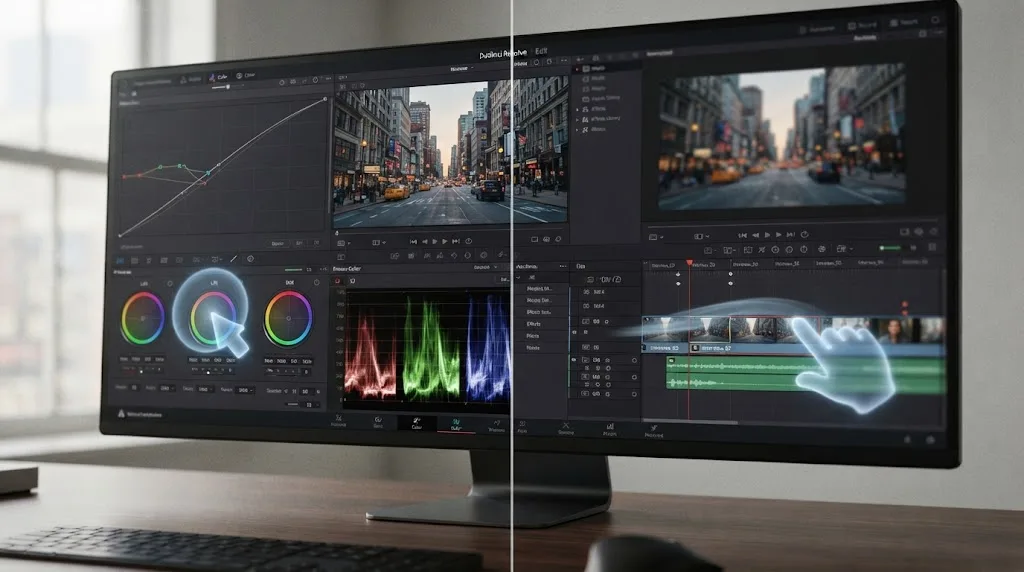
Who is CutAgent actually built for, and who should skip it?
Match yourself against this table honestly before you subscribe, because the fit here is narrower than "anyone who edits in Resolve."
| You are | CutAgent fit |
|---|---|
| A documentary or interview-heavy editor with hours of transcript-backed footage | Strong fit. This is the exact use case CutAgent's own materials describe best, natural-language instructions over transcribed content. |
| A working freelancer already fluent in Resolve, billing client hours | Good fit, provided you actually review every proposed change rather than rubber-stamping it. |
| A YouTube creator who edits solo and knows their own timeline structure well | Good fit for rough-cut assembly, less useful for the finishing polish only your own eye can judge. |
| Someone new to DaVinci Resolve who hasn't built fundamentals yet | Weak fit. You can't meaningfully review an AI's edit decisions if you don't yet know what a good edit decision looks like in Resolve's own toolset. |
| A Windows editor | No fit, full stop, until CutAgent ships a Windows build with an actual release date. |
| Someone on Resolve's free version who wants to try an AI agent without buying Studio first | Good fit specifically because CutAgent is one of the few tools in this category that doesn't require Studio. |
| A production house needing multi-seat access and custom workflows | Possible fit through Enterprise, but pricing and specifics require contacting CutAgent directly since none of it is published. |
| Someone editing under a strict client NDA | Caution. CutAgent doesn't publicly disclose which AI model or provider processes your transcripts and clip data, a real gap you should ask CutAgent's support to close in writing before you rely on it for confidential work. |
That last row deserves the same weight our TryUncle review gave the equivalent question for a different product: not knowing exactly what data leaves your machine, and to which provider, isn't automatically disqualifying, but it's a question you should be able to answer with certainty before a client asks you the same thing and you don't have a source to point to.
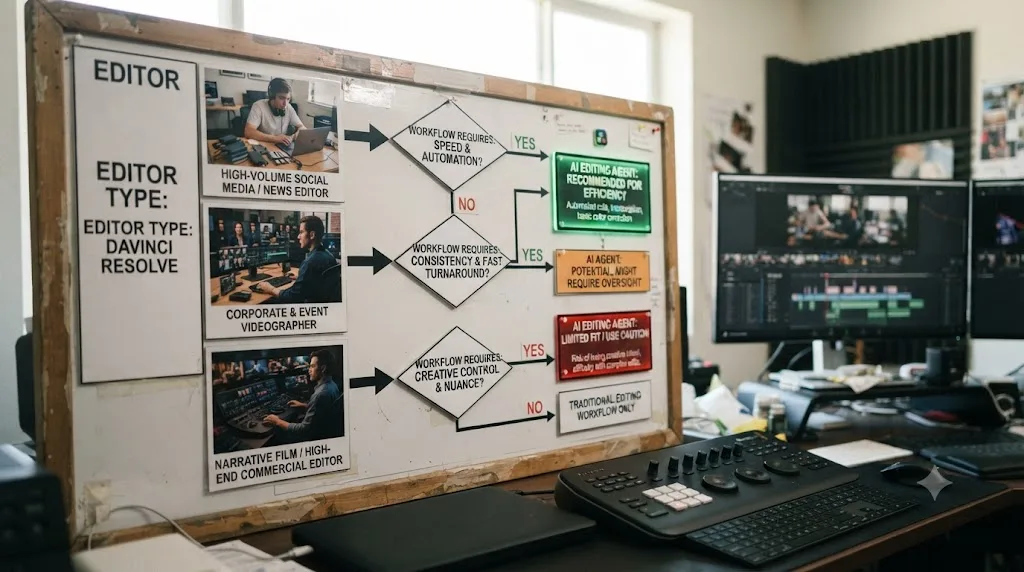
What are CutAgent's honest limitations right now?
Every review on this site names the gaps plainly, and a brand-new product in an unproven category deserves an especially careful list.
It's macOS only, with no committed Windows release date. That rules out a meaningful share of DaVinci Resolve's own user base immediately, the same editors our beginner's guide and other posts on this site regularly hear from running Resolve on Windows machines built for GPU-heavy grading work.
It doesn't name the AI model or provider powering it. Two internal tiers, CutAgent Fast and CutAgent Pro, exist without public disclosure of what's underneath either one. That's a real gap for anyone whose client contracts require knowing exactly which third parties touch project data.
"Usage" is never defined in concrete units anywhere in CutAgent's public pricing materials. You're buying a multiplier on an undefined baseline, not a number of minutes, projects, or operations you can budget against with confidence.
There's no free trial or free tier published anywhere, which means the only way to test whether CutAgent's edit plans actually match your own editorial judgment is to pay for at least a month up front, sight unseen by any independent reviewer, including this one.
No independent third-party review or hands-on account of CutAgent exists as of this writing. I looked, thoroughly, and found only CutAgent's own site and generic AI-tool roundups that list it alongside a dozen unrelated products without testing any of them. That's not automatically a red flag, every product is new once, and CutAgent's transparency about its own Windows gap and its review-before-export design both suggest a team building carefully rather than overselling. But it does mean this review can't lean on a chorus of other editors' real-world experience the way our DaVinci Resolve vs Capcut comparison could lean on years of documented creator commentary about that older, more established rivalry.
The review screen itself, the single feature this whole product's safety case rests on, has no published example anywhere in CutAgent's own materials. You're asked to trust that it exists and works as described, without being able to see a screenshot of it before you subscribe.
Every honest limitation in this list traces back to the same root cause: CutAgent is a new product in a category that's only a few months old industry-wide, and the evidence needed to fully trust it hasn't had time to accumulate yet. That's a fair, disclosed state for a new tool to be in. It's also a real reason to test cautiously before you rely on it for anything billable.

How do you test CutAgent without risking a real project?
If you've read this far and you're still curious enough to try it, here's how to do it without exposing paying work to an unproven tool.
- Duplicate an existing project, or build a fresh one from footage you're allowed to lose entirely, ideally something with real transcript-worthy dialogue since that's the use case CutAgent's own materials describe most confidently.
- Start on the Hobby tier at 29 euros a month rather than jumping straight to Creator or Studio, since you don't yet know how CutAgent's edit plans match your own judgment, and there's no free trial to test that first.
- Give it one deliberately specific instruction first, something like "cut this to the three strongest soundbites," rather than a broad, vague goal, so you can actually judge whether its interpretation matches what you meant.
- Before approving anything, open the review summary and read every flagged change individually. Don't batch-approve. The entire safety case for this category of tool depends on this one step, and it's the step most likely to get skipped once the novelty wears off.
- Compare CutAgent's proposed cut against the cut you'd have made yourself, on the same footage, without the agent's help. If you can't tell the difference in quality, or you actually prefer the agent's version, that's real evidence the subscription is earning its keep. If you find yourself undoing most of what it proposed, that's real evidence it isn't there yet for your specific editorial style.
- Only after that comparison, decide whether to point it at anything billable, and start with a low-stakes deliverable even then, not your most demanding client's flagship project.
That's the same disciplined-skepticism approach our Cut page vs Edit page guide recommends for any new Resolve workflow before you build a habit around it: try it small, on something you can afford to redo, before it touches anything that actually matters.
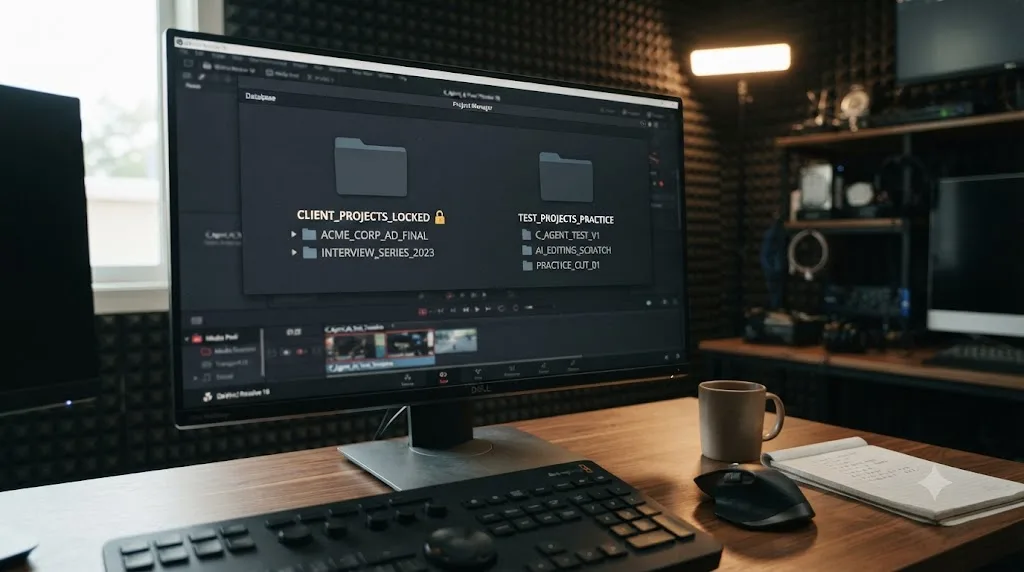
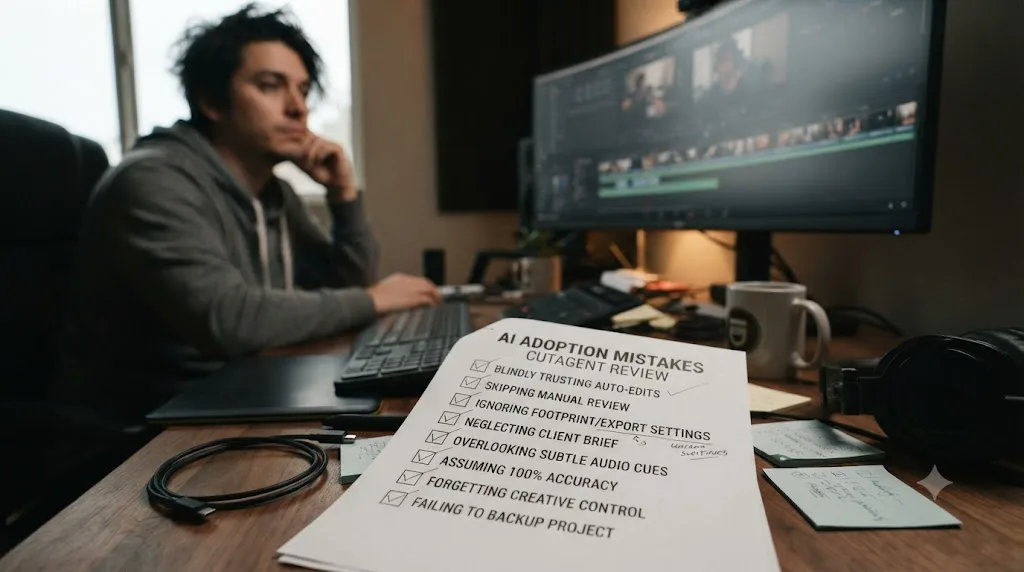
Common mistakes to avoid if you try CutAgent
A handful of avoidable mistakes account for most of the regret anyone will report after adopting a brand-new AI tool too fast.
Approving review summaries without actually reading them. The entire safety case for an editing agent rests on the human in the loop paying attention. A review step you click through by habit provides zero actual protection, no matter how well-designed the underlying feature is.
Subscribing to Studio at 299 euros a month before confirming Hobby covers your actual workload. CutAgent's own tiers scale by an undefined usage multiplier. Start at the bottom, hit the ceiling, and upgrade only once you've actually confirmed you need the higher tier, rather than guessing upward from the start.
Assuming "works with Fairlight and Fusion" means full parity with the deeper, more established editing operations on those pages. Resolve's own scripting interface, which tools in this category likely build on, covers roughly a third to 40% of the app's total feature surface, concentrated in delivery, media management, metadata, and markers. Treat claims about deep Fusion or Fairlight automation with the same caution you'd apply to any new automation layered on a genuinely complex part of the app.
Pointing an unproven tool at client footage under a strict NDA without asking which AI model processes your data first. CutAgent doesn't publish this information. Ask directly, in writing, before you rely on it for anything confidential, the same standard our TryUncle review applied to a completely different product for exactly this reason.
Treating CutAgent and TryUncle as interchangeable because they both involve AI and DaVinci Resolve. One edits your timeline. The other only points at it. Picking the wrong one for your actual goal, learning Resolve versus delegating repetitive assembly work, wastes the subscription regardless of how well either product executes on its own stated job.
Verdict: is CutAgent worth it right now?
If you're a working editor who already knows DaVinci Resolve well enough to spot a bad cut on sight, and your actual bottleneck is hours spent logging and assembling rough cuts from long-form footage, CutAgent's core pitch is credible, its free-version compatibility is a real advantage over its closest direct rival, and its review-before-export design is the right architecture for a tool this powerful. Test it on throwaway footage first, start at the cheapest tier, and read every review summary before you approve it. That's not excessive caution for a new product category. It's the same discipline this entire genre of tool, coding agents included, learned it needed the hard way.
If you're still building your fundamentals in Resolve, skip it for now. Guided practice inside Resolve beats an agent that edits it for you, when the actual goal is learning to edit, not just shipping the next video. An AI that hands you a finished cut teaches you nothing about why that cut works, and you'll need that judgment eventually regardless of how good your tools get.
If you're on Windows, this review is academic for you today, full stop, no argument to be made around a roadmap item with no release date attached.
And if what you actually want is to get faster and better at DaVinci Resolve yourself, rather than delegate the work to something that does it for you, that's a different tool entirely. TryUncle is an AI tutor for DaVinci Resolve on macOS, ask in plain words and Uncle points at the exact control on your screen, and it costs less than CutAgent's cheapest tier while teaching you the skill instead of replacing the need for it. Check TryUncle directly if that's the job you're actually trying to solve, and check cutagent.ai directly, with a healthy dose of the skepticism this review just walked through, if delegation is genuinely what you need instead.
Frequently asked questions
- Is CutAgent worth it for DaVinci Resolve?
- It depends on whether you already know Resolve well enough to review an AI's work. If you're a working editor drowning in transcripts and rough cuts, the review-before-export design is a genuine safety net. If you're still learning what a serial node does, you won't be able to judge what CutAgent changed, which defeats the safety net entirely.
- Does CutAgent work with the free version of DaVinci Resolve?
- Yes, according to CutAgent's own FAQ, which states it works with DaVinci Resolve 20 or later, including both the Free and Studio versions, on macOS. That's a meaningfully wider net than rivals like Sottocut, which requires the paid Studio license.
- Is CutAgent safe to use on real client footage?
- CutAgent's own materials describe a review step, with markers and summaries before changes land in the timeline. That's a real safeguard, but it only works if you actually read the review before approving it. Test it on a throwaway project first, not a paying client's deliverable.
- What's the difference between CutAgent and TryUncle?
- CutAgent edits your timeline for you, based on natural-language instructions. TryUncle never touches your timeline; it watches your screen and points at the control you need so you make the edit yourself. One delegates the click, the other teaches you where the click is.
- Does CutAgent work on Windows?
- No, not yet. CutAgent's own FAQ says it's currently macOS only, with Windows support on the roadmap and no committed date. If you edit DaVinci Resolve on Windows, this tool isn't available to you today.
- How much does CutAgent cost?
- Four tiers, per CutAgent's own pricing page: Hobby at 29 euros a month for occasional edits, Creator at 99 euros a month (the plan CutAgent recommends), Studio at 299 euros a month for heavier professional use, and custom Enterprise pricing for teams. There's no published free tier.
- What AI model powers CutAgent?
- CutAgent's own site doesn't name the underlying model or provider anywhere in its public FAQ or pricing pages. It mentions 'CutAgent Fast' and 'CutAgent Pro' as internal model tiers without disclosing what they're built on, which is worth knowing before you send footage-adjacent data through either one.
- Is there a free trial for CutAgent?
- Not as far as CutAgent's own site discloses. There's no free trial, free tier, or trial period mentioned anywhere on its pricing or FAQ pages as of this writing. Compare that to Sottocut's published 7-day free trial with no card required, a meaningfully lower-risk way to test the same category of tool.
Sources
- CutAgent (product site: features, pricing, FAQ)
- Sottocut (product site: features, pricing, platform requirements)
- Eddie AI for DaVinci Resolve (native integration workflow page)
- CineD: Eddie AI Extension for DaVinci Resolve Released, Virtual Editing Assistant
- No Film School: Reviewing Eddie, Your Secret AI-Powered Assistant Video Editor? (Jourdan Aldredge)
- PremiereCopilot pricing
- PremiereCopilot: 7 Best AI Plugins for DaVinci Resolve in 2026
- a16z: It's time for agentic video editing (Justine Moore)
- ProVideo Coalition: NAB 2026, Eddie AI, Quickture, Selects, the AI editing assistants (Scott Simmons)
- Wild Lion Media: DaVinci Resolve Python Scripting, the Complete Guide to the API
- DaVinci Resolve - What's New (Blackmagic Design, Resolve 21)
- DaVinci Resolve - Tech Specs (Blackmagic Design)
- DaVinci Resolve Studio product page (Blackmagic Design)
- TryUncle (product site: how Uncle works, pricing, and setup)
- TryUncle FAQ (privacy, permissions, compatibility, pricing)
Learn by doing, not watching
Learn Resolve inside Resolve.
TryUncle watches your screen and points at the exact control when you ask. No tabs, no timestamps, no rewatching tutorials.
Download for MacKeep reading
Reviews · Jul 12, 2026 · 40 min
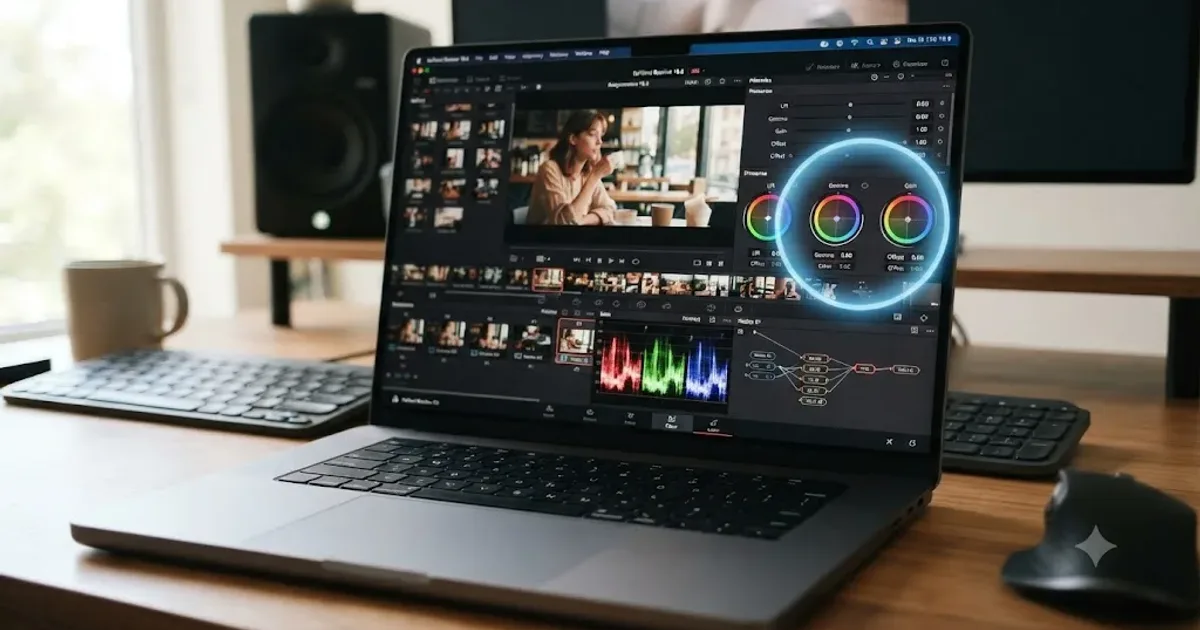
TryUncle Review: An AI Tutor for DaVinci Resolve
An honest review of TryUncle: the macOS AI tutor that watches your DaVinci Resolve screen, its founder pricing, and where it actually falls short.
Comparisons · Jul 10, 2026 · 28 min
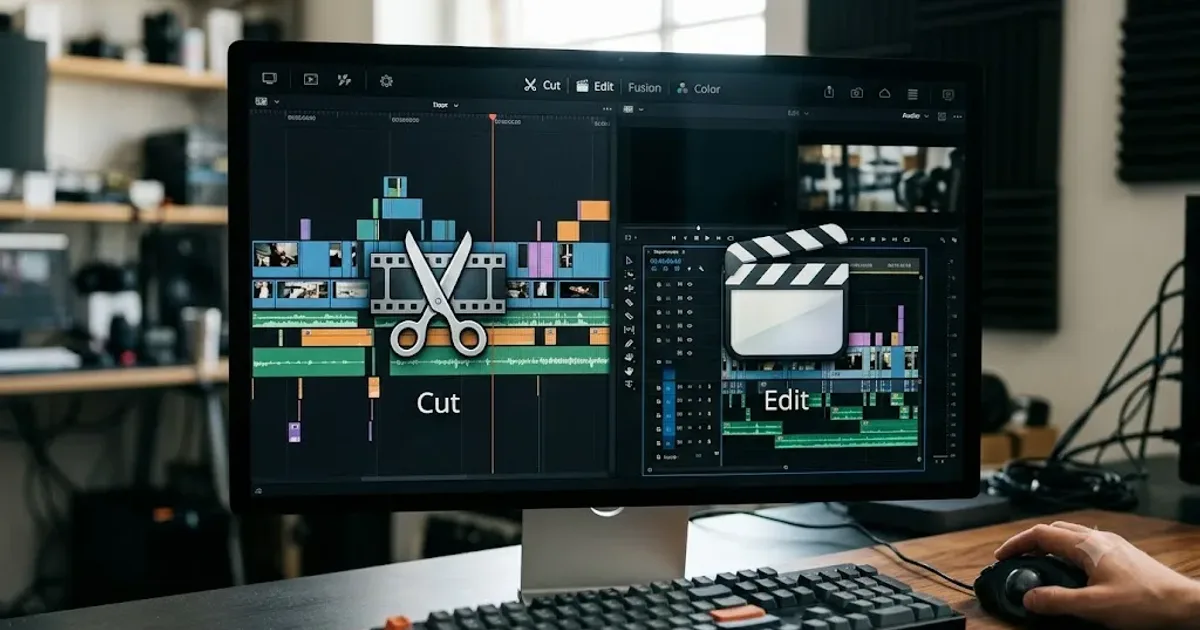
DaVinci Resolve Cut Page vs Edit Page: The Real Differences
A full side-by-side of DaVinci Resolve's Cut and Edit pages: timeline, trimming, multicam, and hardware differences, plus which one to use.
News · Jul 8, 2026 · 21 min
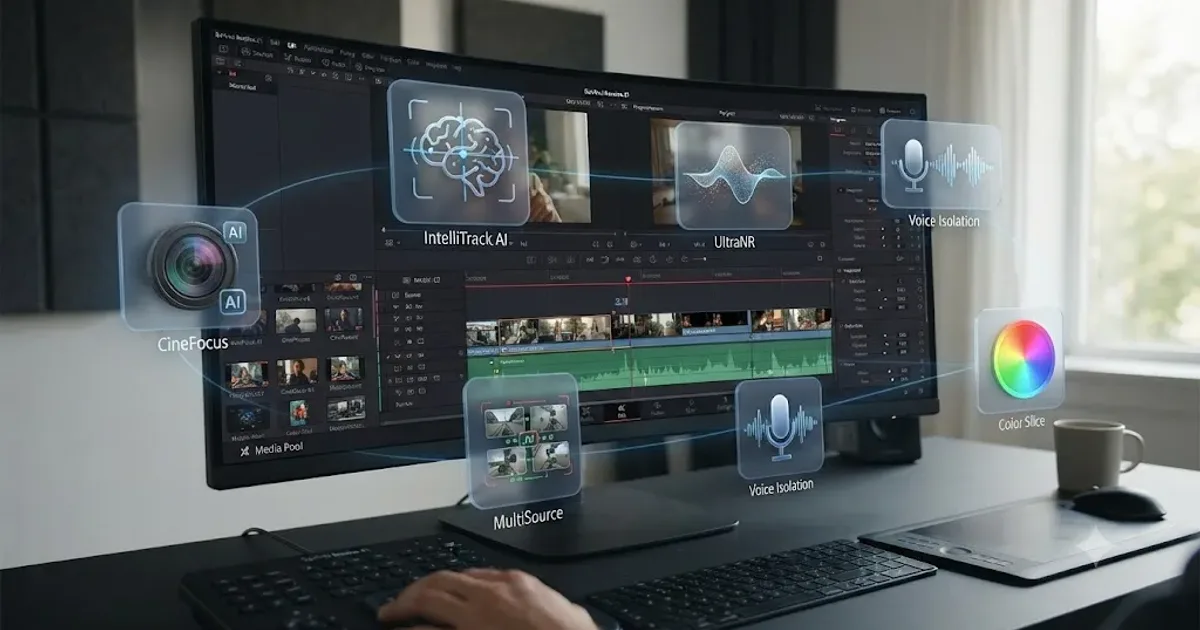
DaVinci Resolve 21 New Features: The Complete List
Every new feature in DaVinci Resolve 21, page by page: Photo page, nine AI tools, Krokodove, MultiMaster, and Fairlight updates, all sourced.