Articles / Guidesupdated for DaVinci Resolve 21.0 (June 2026)
DaVinci Resolve Student Discount: Does One Exist in 2026?
Quick answer
Blackmagic Design does not offer an official DaVinci Resolve student discount. Instead, the free version is a complete, unrestricted editor, many film schools license DaVinci Resolve Studio for lab computers, and since September 2025 individuals can rent Studio for roughly $30 a month instead of buying the $295 perpetual license.
No, there isn't one. I know that's not the answer most students searching this phrase want, but it's the honest one, and it matters less than you'd think. Blackmagic Design doesn't run a student pricing program for DaVinci Resolve, unlike Adobe or Apple. What it runs instead is stranger and, for most students, better: a free version of the same professional software with almost nothing missing.
Let's get into what that actually means for your wallet, your syllabus, and the three real ways students end up on the $295 Studio tier anyway.
Does DaVinci Resolve have a student discount?
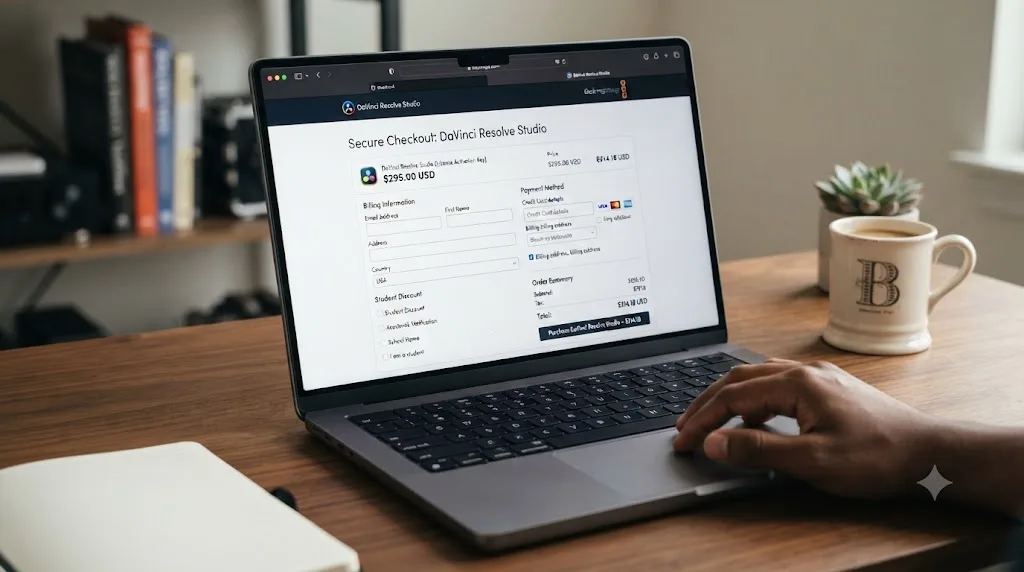
No official one exists. Blackmagic's DaVinci Resolve Studio product page and its How to Buy page both list a single price, $295, with no student, academic, or .edu-verified tier anywhere in the checkout flow. There's no promo code, no application form, no "verify your enrollment" step the way there is with Adobe or Apple.
Blackmagic Design sells DaVinci Resolve Studio at the same $295 to a first-year film student and a working colorist, with no discount for either. That's been true for years. A 2016-era comparison of editing software discounts for students, published by PremiumBeat, put it bluntly: "DaVinci Resolve is surprisingly not student friendly as there is no student discount available yet." The word "yet" hasn't aged into a discount. Nearly a decade later, there still isn't one.
That absence surprises people because Adobe trained an entire generation of students to expect one. Creative Cloud's education pricing is loud, marketed, and everywhere a film student looks. Blackmagic's silence on the subject reads like an oversight. It isn't. It's a different business model entirely, and understanding that model is the fastest way to stop worrying about a discount that was never coming.
Why doesn't Blackmagic offer one?
Because Blackmagic Design doesn't need students to pay for the software to make money from them. The company sells cameras, capture hardware, and post-production gear. DaVinci Resolve is the software layer that makes that hardware useful, which is a fundamentally different incentive than Adobe's, where the software subscription is the entire product.
David Hoffman, Blackmagic Design's Business Development Manager for the Americas, laid out that philosophy directly in comments to the Broadcast Education Association, reported by BEA:
"We really look back to the emerging creators and look at how our tools are available to them. It's been a big part of the Blackmagic soul and ethos. Being able to give young creators access to the technology, while maintaining the high quality and the integrity of the production value of our tools. So, the whole suite has continued to grow. We just released version 18 of the product and it's free."
Read that quote carefully and the discount question answers itself. Blackmagic isn't trying to extract $295 from every student who touches Resolve. It's trying to get every student touching Resolve at all, on the theory that habits formed for free in a classroom turn into camera and hardware purchases down the line. A discount would still be a paywall. Blackmagic removed the paywall instead.
What do students get instead of a discount?
Three things, and they add up to more than most discount programs deliver:
| What you get | What it costs | The catch |
|---|---|---|
| The free version of DaVinci Resolve | $0, forever | Caps at 8-bit footage, 4K/60fps, no AI tools |
| A campus lab license of Studio | $0, while enrolled | Only usable on lab machines, not your laptop |
| A Blackmagic Cloud rental of Studio | About $30/month | Ongoing cost, license lapses if you stop paying |
None of these require an .edu email or an application. The free tier just requires a download. The lab license requires attending a school that bought one. The rental requires a credit card and Blackmagic Cloud account, open to anyone, student or not.
The free version of DaVinci Resolve is Blackmagic's actual student discount, it's just not labeled as one. Sherwin Lau, an associate professor at New Mexico State University who has fully switched his classes to Resolve, made this exact point to BEA when explaining why he stopped teaching paid tools:
"It's free so they can download it right now on their laptops or their home computers and when they graduate, they don't have to change anything. Because I know that when you graduate, you lose the student discount. So, maybe student discounts are good and they can afford it right now. But as they're gone, they don't have their emails anymore, so they can't do that. So, being able to have a continuous flow from as a student all the way through post-graduation. It's been a game-changer for a lot of students."
That's the real argument against wanting a student discount in the first place. A discount is a countdown clock. It expires the moment your .edu email stops working, usually right when you need software most, during the job hunt after graduation. Resolve's free tier never expires, never checks your enrollment, and never gets more expensive because a diploma showed up in the mail.
Is the free version actually enough for film school work?
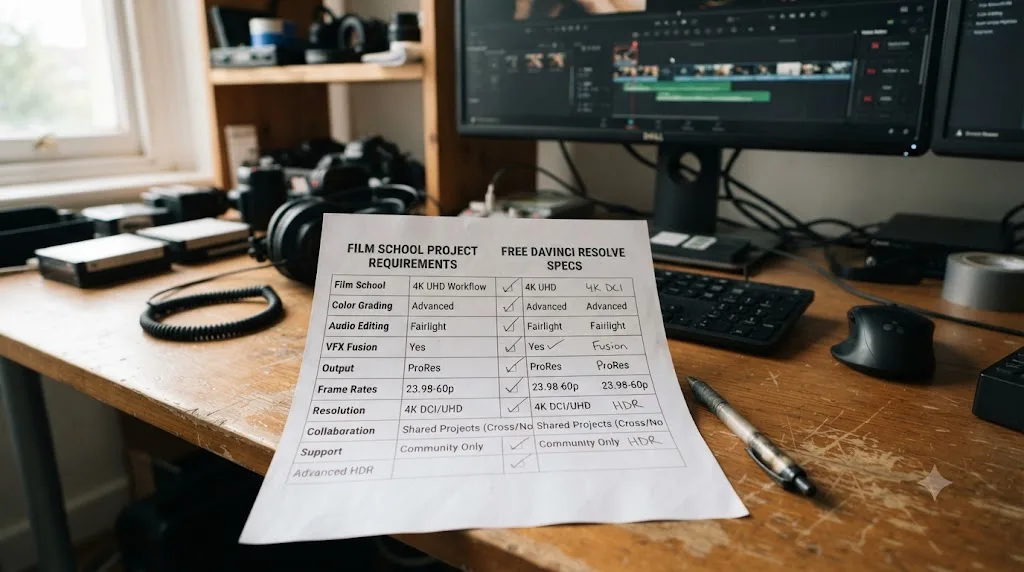
For most assignments, yes. The free version isn't a trimmed-down demo. It includes complete editing, the full node-based color page, Fairlight audio mixing, and Fusion visual effects, all without a watermark or time limit, according to Blackmagic's own DaVinci Resolve product page.
Where it caps out: "virtually all 8-bit video formats" on the input side, Ultra HD resolution, and 60fps as a frame rate ceiling, per that same page. Most student camera kits, DSLRs, mirrorless bodies, even a lot of camcorders, shoot 8-bit by default. Most class deliverables are SDR video at 1080p or 4K, uploaded somewhere that re-encodes it anyway. The free tier's ceiling and a typical assignment's spec rarely collide.
Where it does collide: a cinematography class that shoots log footage in 10-bit for a proper grading exercise, an advanced color course that leans on Magic Mask or noise reduction, or a thesis film mastering for a festival submission that requires DCP output. Those are Studio-only features. Our free vs. Studio comparison breaks down the full feature gap if you want to check your specific assignment against it before assuming you need to spend anything.
A film student shooting 8-bit footage and delivering SDR video never technically needs to buy DaVinci Resolve Studio. That single sentence resolves the budget anxiety for a large share of the people searching for a discount in the first place.
Does your school already have a Resolve Studio license?
Check before you buy anything. This is the step most students skip, and it's the one most likely to save you $295 outright.
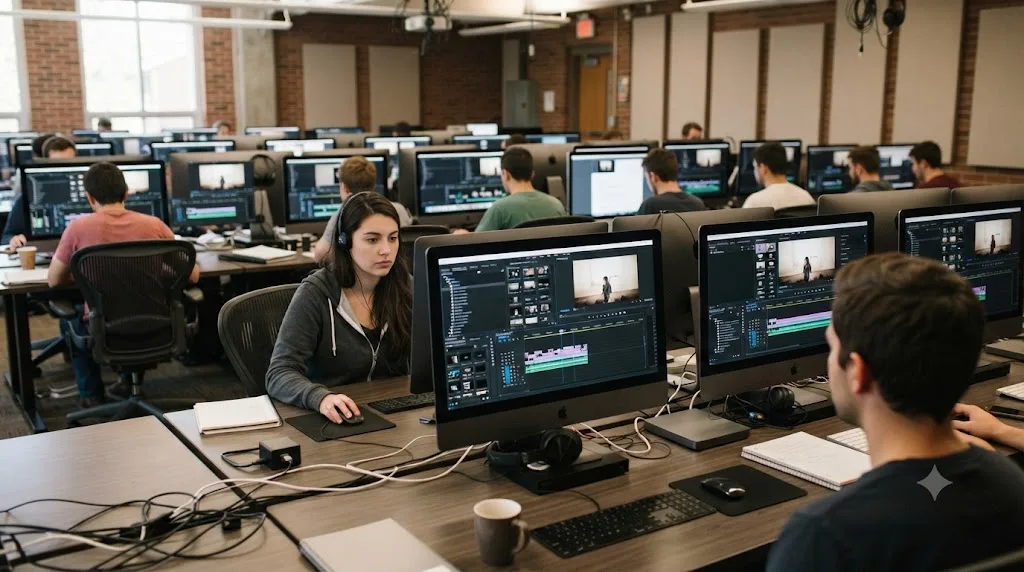
Blackmagic doesn't sell students individual coupon codes; it sells classroom and lab licenses directly to institutions, and a real number of film and media programs have already bought them. Some documented examples:
| School | Lab | What's installed |
|---|---|---|
| Indiana University, Media School | Franklin Hall multimedia lab | 20 5K iMacs with Adobe, Apple, and DaVinci Resolve production software |
| Rutgers, Mason Gross School of the Arts | Post-Production Computer Lab | 22 M4 iMacs equipped with DaVinci Resolve Studio |
| George Mason University, Film and Video Studies | Editing labs | DaVinci Resolve free and Studio, alongside standard edit bay software |
Sources: Indiana University Media School, Rutgers Mason Gross facilities page, George Mason University editing labs page.
That's not an exhaustive list, it's three schools I could verify directly, and the pattern almost certainly repeats at your own program if it teaches post-production at all. A DaVinci Resolve Studio license installed on your school's lab computers is worth more to your wallet than any discount program would be, because it costs you nothing at all. Email your production lab manager or department office and ask, specifically, whether Resolve Studio is on the lab machines. It's a two-line email that might make the rest of this post irrelevant to you.
The tradeoff is real, though: a lab license lives on lab machines. It doesn't follow you home, and it doesn't help you finish an edit at 2 a.m. in your apartment. For that, you're back to the free version, or one of the paid routes below.
What if your class specifically requires Studio features?
Then you have three paying options, and they're worth comparing honestly instead of defaulting to the $295 sticker price.
| Option | Cost | Best for |
|---|---|---|
| Buy the perpetual Studio license | $295 once | You'll use Studio features for a year or more, on your own machine, indefinitely |
| Rent Studio through Blackmagic Cloud | About $30/month | One semester-long project, a single class that needs Magic Mask or noise reduction |
| Use a campus lab license | $0 | Your school already has it, and lab hours work with your schedule |
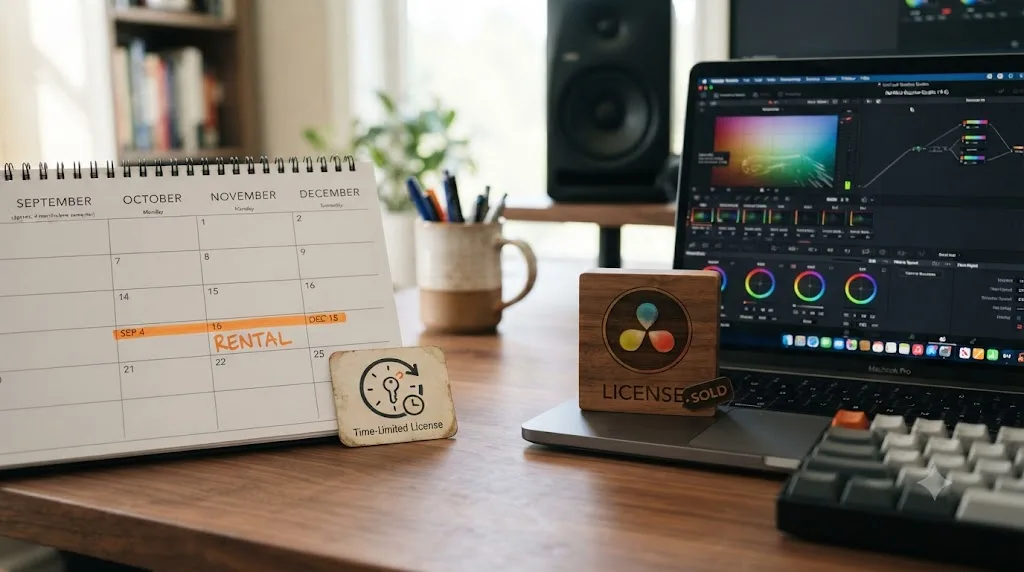
Renting only became available to individuals in September 2025, when Blackmagic opened up a license management system inside Blackmagic Cloud that had previously been reserved for larger organizations, according to Newsshooter's coverage. RedShark News reported UK pricing at £25 a month, which lines up to roughly $30 a month in the US. Activation ties to your Blackmagic Cloud ID, so there's no dongle and no serial code to lose track of between semesters.
Run the math against your own semester. $295 divided by roughly $30 a month is just under ten months, so renting only wins financially if you need Studio for less than about ten months total. A single 15-week color grading class comes in well under that line. A four-year film degree that leans on Magic Mask every semester does not; buy the license instead and stop paying rent on software you'll need for years.
How does Resolve's lack of a discount compare to Adobe and Apple?
This is where "no student discount" needs context, because the honest comparison isn't as bad as it first sounds.
| Software | Student price | Model | Cost after graduation |
|---|---|---|---|
| DaVinci Resolve (free) | $0 | Permanent free tier | Still $0, no change |
| DaVinci Resolve Studio | $295, no student rate | One-time purchase | Still $295, no change |
| DaVinci Resolve Studio (rental) | ~$30/month, no student rate | Subscription | Still ~$30/month, no change |
| Adobe Creative Cloud Pro (students) | $19.99/month first year | Subscription | Jumps to full $39.99/month price, per Adobe's student page |
| Apple Creator Studio (students) | $2.99/month | Subscription | Loses eligibility, reverts to standard pricing, per Apple's student page |
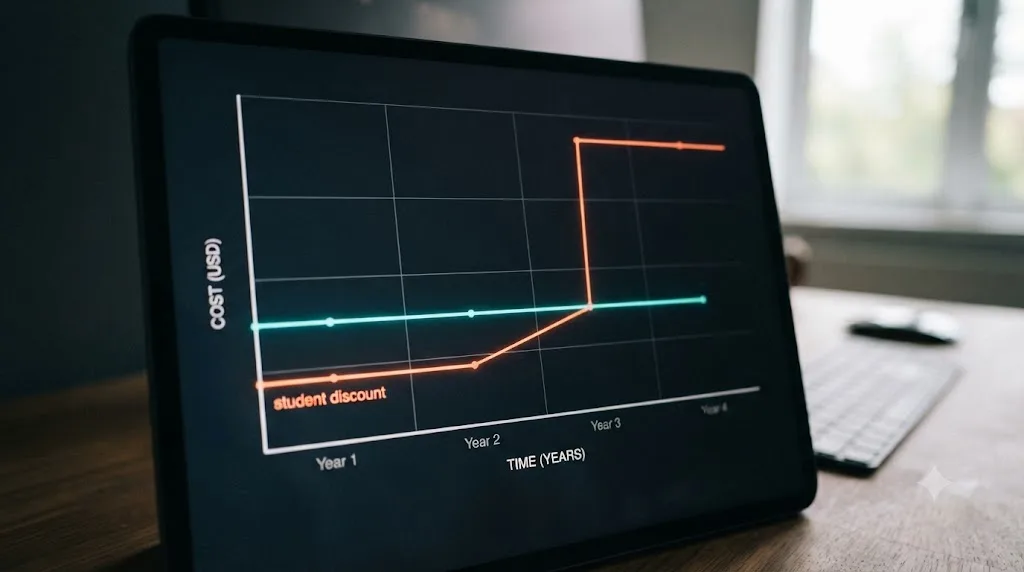
Notice the shape of that table. Adobe and Apple's student prices are genuinely lower than what Resolve charges anyone. But both are discounts with an expiration date built in, verified yearly and revoked the moment your enrollment lapses, per Apple's own terms. Resolve's price, free or $295 or the rental rate, doesn't change one bit the day you walk across the graduation stage.
Adobe and Apple discount the price for students; Blackmagic never raises the price after you stop being one. Which structure actually saves you more money depends entirely on your timeline. A one-semester elective favors Adobe's cheap first year. A four-year degree plus a career after it favors Resolve's free tier, because there's no cliff waiting on the other side.
Does a Blackmagic camera bundle come with Studio?
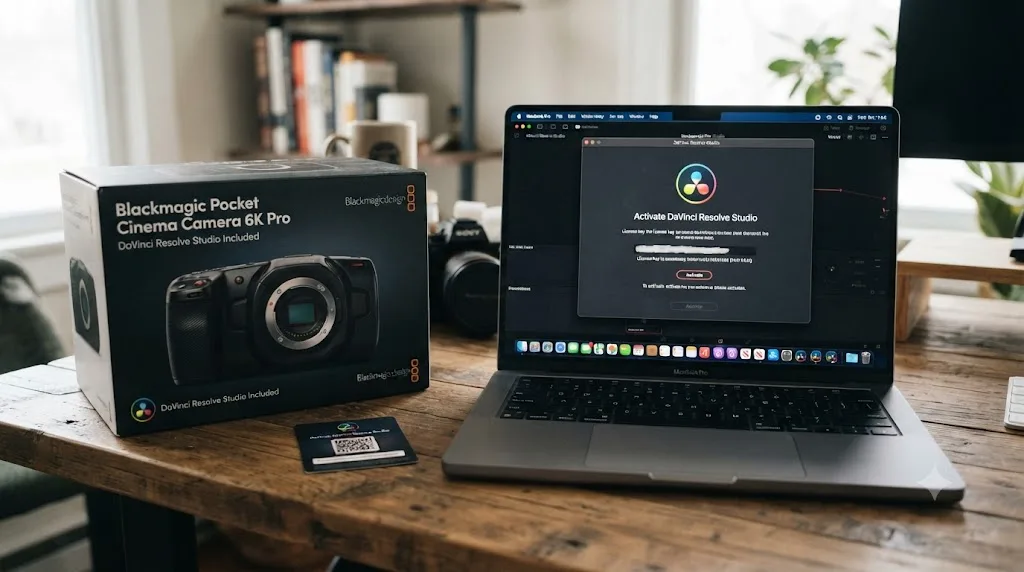
Yes, and this is the closest thing to a hidden student discount that actually exists. Every Blackmagic Pocket Cinema Camera ships with a full DaVinci Resolve Studio license included, according to Blackmagic's own Pocket Cinema Camera product page: "All Pocket Cinema Camera models include a full version of DaVinci Resolve Studio."
This matters specifically for cinematography and production students, because Pocket Cinema Cameras are common gear-list picks in film programs already, for their own reasons: RAW capture, dynamic range, and a body built for narrative work. If a camera purchase is already on your equipment list this semester, buying it before a standalone Studio license means the $295 question disappears entirely. You'd be paying for the camera regardless, and the software rides along for free.
This isn't a program built for students specifically. It's just how Blackmagic sells its cameras, to everyone, professional or student. But if your path runs through owning a Blackmagic camera anyway, it's the most efficient $295 you'll never have to spend.
Should you just buy the $295 license as a student?
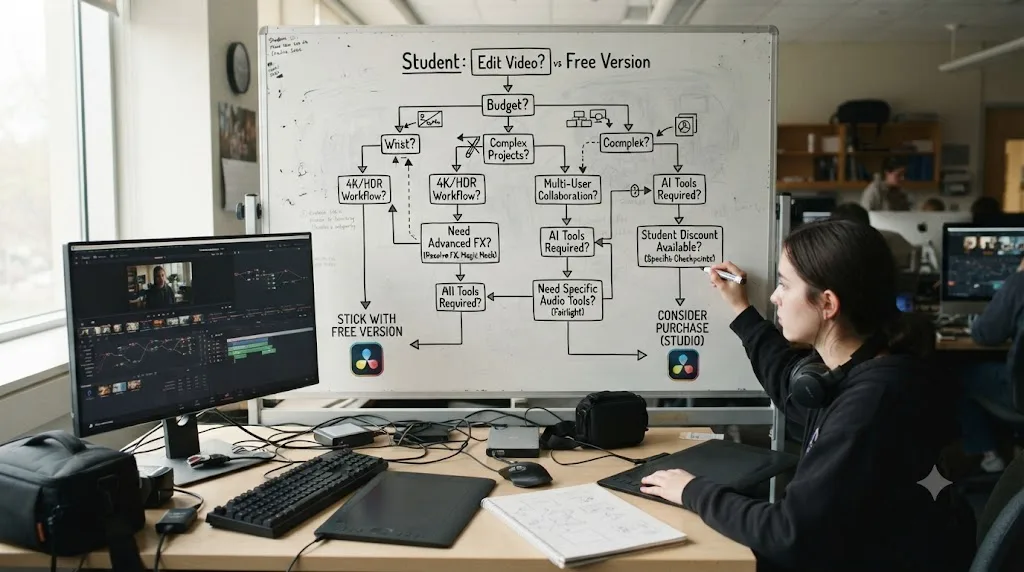
Usually not yet, and not because the price is bad. It's because most students haven't hit a wall the free version actually creates. Before spending anything, run through this in order:
- Check whether your camera shoots 8-bit or 10-bit footage. If it's 8-bit, the free version handles it natively.
- Check your deliverable spec. If it's SDR web video at 4K/60fps or below, which covers nearly every class upload and portfolio reel, the free tier's ceiling never applies.
- Email your lab manager and ask if Studio is already installed on campus machines.
- If a specific assignment genuinely requires a Studio-only tool, like Magic Mask, Dolby Vision grading, or DCP mastering, rent for that one project instead of buying outright.
- Buy the perpetual license only once you can name a specific, recurring reason you're hitting the free tier's ceiling, not a hypothetical future one.
That sequence mirrors the general buying advice in our free vs. Studio comparison, and it holds even more tightly for students, because student budgets are tighter and student software needs are, honestly, usually smaller than they feel in the moment. A senior thesis film delivering to a real festival is a legitimate reason to buy Studio. A rough cut for a weekly assignment almost never is.
Where can students learn Resolve for free?
The lack of a discount matters less when the training is also free. Blackmagic runs its own certification program, with free video lessons, free downloadable training guides, and free online exams, all covered in detail in our free DaVinci Resolve course guide. If you want a faster on-ramp than a full training library, our roundup of the best DaVinci Resolve courses compares that free path against the paid options worth their price.
Nothing you learn in the free version gets thrown away when you eventually touch Studio, because it's the same application with a few extra tools switched on. That's a genuine advantage over learning on a trial version of Premiere Pro or Final Cut Pro that will eventually lock you out of the software you practiced on. Every keyboard shortcut, every node tree habit, every timeline you build as a student in Resolve's free tier transfers directly into a professional workflow, discount or no discount.
If you're stuck on a specific control mid-assignment rather than looking for a full course, TryUncle is an AI tutor built to answer that narrower kind of question, pointing at the actual control in your own Resolve window instead of sending you hunting through a training video for one answer at 1 a.m. before a deadline.
What about students outside the US?
The story doesn't change much by country, but the numbers do. Blackmagic's $295 Studio price and Adobe's and Apple's student rates all vary by region with local tax and currency, the same way our Studio price breakdown notes for the general market. The rental option's UK price of £25 a month, reported by RedShark News, converts to roughly $30, but Blackmagic hadn't published exact international pricing for the rental at the time of that report. If you're outside the US, check Blackmagic's regional store directly before budgeting around a converted number, since currency swings and local VAT can move the figure meaningfully.
What doesn't change by country: there's still no .edu-verified discount tier anywhere in Blackmagic's checkout, in any region. The free version, the lab-license question, and the rent-versus-buy math all apply the same way regardless of where you're enrolled.
The verdict
There's no DaVinci Resolve student discount, and there probably never will be one, because Blackmagic's business doesn't need it to run one. What you actually have is better for most students: a genuinely complete free editor with no expiration date, a real shot that your school already pays for Studio on lab machines, and since late 2025, a roughly $30-a-month rental for the one class or one semester that truly needs the paid tier. Check your camera's bit depth, check your deliverable spec, email your lab manager, and only then consider spending $295. For the vast majority of coursework, the "discount" you were searching for is the download button on Blackmagic's own site, and it's already been there the whole time.
Frequently asked questions
- Does Blackmagic Design offer a student discount for DaVinci Resolve?
- No. There is no promo code, no .edu verification, and no reduced price for DaVinci Resolve Studio's $295 license. Blackmagic's own product and how-to-buy pages list one price for everyone, per its DaVinci Resolve Studio product page.
- Is the free version of DaVinci Resolve good enough for film school assignments?
- For most coursework, yes. The free version includes full editing, node-based color grading, Fairlight audio, and Fusion visual effects with no watermark and no time limit. It caps out at 8-bit footage and 4K/60fps, which rarely blocks a class project.
- How do I find out if my school already has a DaVinci Resolve Studio license?
- Ask your production lab manager or department office before spending anything. Universities including Indiana, Rutgers, and George Mason run DaVinci Resolve, including the Studio tier, on lab computers at no cost to enrolled students.
- How much does DaVinci Resolve Studio cost for students specifically?
- The same $295 one-time price as everyone else. The only student-friendly alternative is Blackmagic's rental option, launched in September 2025, which runs roughly $30 a month through Blackmagic Cloud with no long-term commitment.
- Is DaVinci Resolve cheaper for students than Adobe Premiere Pro or Final Cut Pro?
- The free version is cheaper than both, since it costs nothing. If you need the paid tier, Adobe's student Creative Cloud plan runs $19.99 a month for the first year, then $39.99 after, and Apple's Creator Studio subscription for students is $2.99 a month. Both are ongoing subscriptions; Resolve Studio's $295 is a one-time purchase.
- Does buying a Blackmagic camera get a student a free Studio license?
- Yes, though it's not a discount program, it's how the camera is sold. Every Blackmagic Pocket Cinema Camera ships with a full DaVinci Resolve Studio license included, per Blackmagic's own camera product page.
Sources
- DaVinci Resolve Studio product page (price and features)
- DaVinci Resolve product page (free version specs)
- DaVinci Resolve - How to Buy (Blackmagic Design)
- BEA: Blackmagic Design Aims To Use Their Editing Software To Reach More Student Creatives
- PremiumBeat: Best to Worst - 6 Video Editing & Motion Design Software Discounts for Students
- RedShark News: Blackmagic Adds Monthly License Option for DaVinci Resolve Studio
- Newsshooter: Blackmagic Design introduces a new way for individuals to rent DaVinci Resolve Studio
- Indiana University Media School: Production Labs, Franklin Hall
- Rutgers Mason Gross School of the Arts: Filmmaking Facilities & Equipment
- George Mason University Film and Video Studies: Editing Labs
- Blackmagic Pocket Cinema Camera product page
- Adobe Creative Cloud Pro for students and teachers
- Apple Creator Studio for students
Learn by doing, not watching
Learn Resolve inside Resolve.
TryUncle watches your screen and points at the exact control when you ask. No tabs, no timestamps, no rewatching tutorials.
Download for MacKeep reading
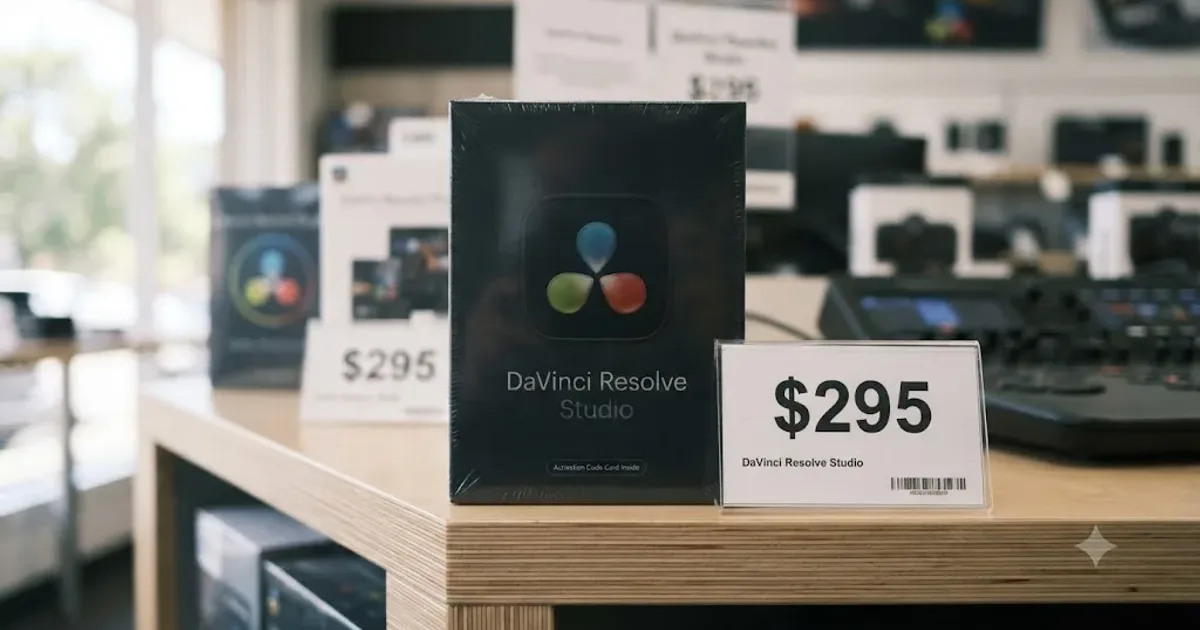
Comparisons · Jul 7, 2026 · 28 min
DaVinci Resolve Studio Price: Free vs. Studio Cost, Explained
DaVinci Resolve Studio costs $295, paid once, not monthly. Here's exactly what that buys, how it stacks up against Premiere Pro and Final Cut Pro, and who needs it.
Guides · Jul 7, 2026 · 16 min
Free DaVinci Resolve Course: The Best No-Cost Ways to Learn
Where to find a real free DaVinci Resolve course in 2026: Blackmagic's own training, a free YouTube course, live webinars, and which paid options to skip.
Comparisons · Jul 7, 2026 · 29 min
Best DaVinci Resolve Course: 6 Real Options Compared
We compared six real DaVinci Resolve courses, from Blackmagic's free certification to paid color grading and Udemy bootcamps, to find the best fit.